How to Keep Long Claude Code Sessions Under Control
A practical guide to managing context in Claude Code with /compact, /clear, /context, CLAUDE.md, and auto memory.
How to Keep Long Claude Code Sessions Under Control
Long Claude Code sessions usually fail in predictable ways.
The model starts missing earlier instructions. It keeps too much noisy terminal output in mind. It remembers the wrong part of the conversation and forgets the rule you actually care about. At that point, most people say they "hit the token limit," but the real problem is usually session hygiene, not just raw token count.
This guide is about the practical fixes: when to use /compact, when to use /clear, what belongs in CLAUDE.md, and how to keep long coding sessions from getting sloppy.
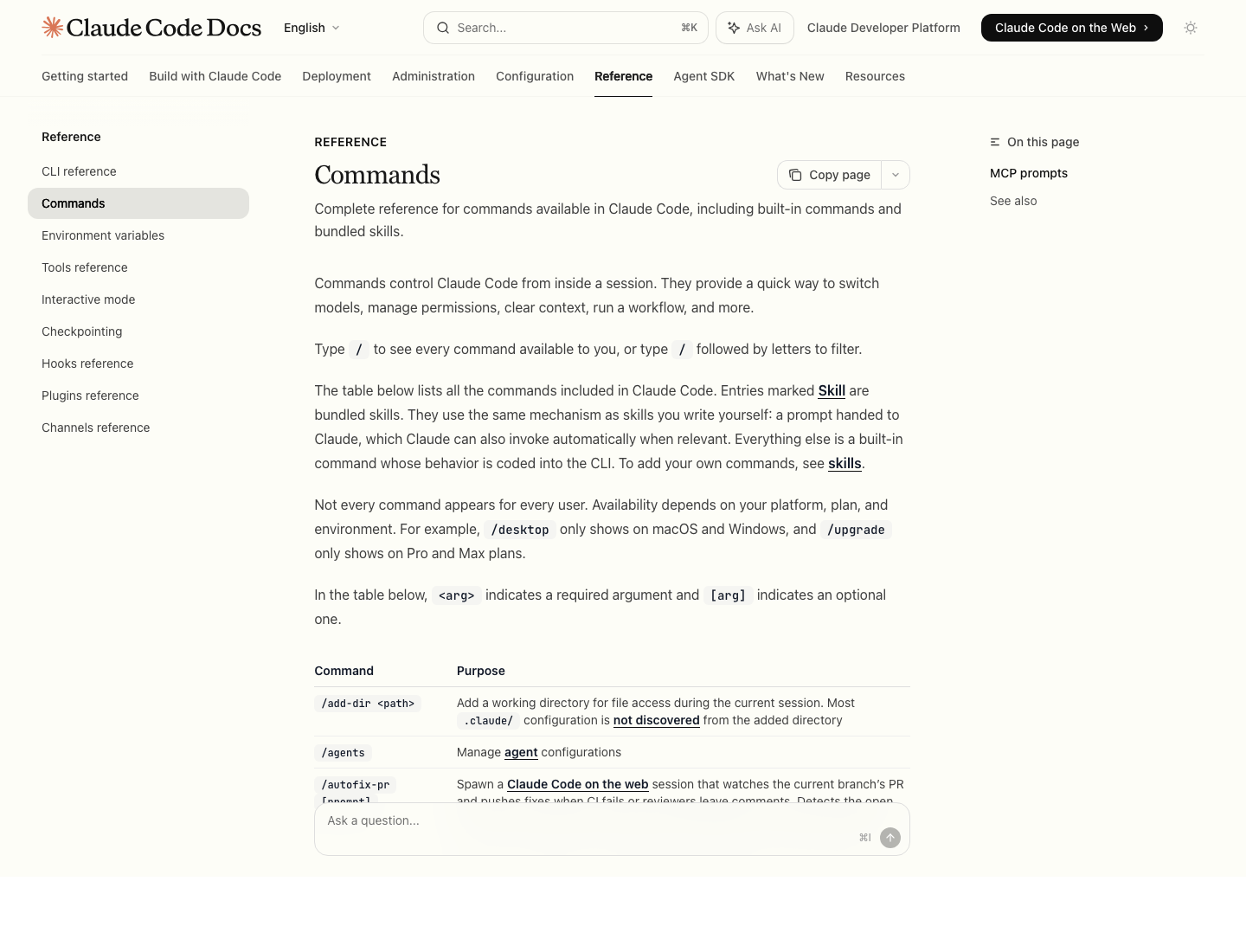
Source: Claude Code commands reference
What Actually Fills Context
According to Claude Code's docs, the context window includes your conversation history, file contents Claude has read, command outputs, CLAUDE.md, auto memory, loaded skills, and system instructions.
That means long sessions degrade for at least four different reasons:
- the chat itself has become too long
- Claude has read too many files and command outputs
- important rules only existed in conversation, not in
CLAUDE.md - too many one-off details are competing with the real task
The key is not "never use context." The key is to keep expensive context reserved for what should still matter 20 turns later.
The 4 Tools That Matter Most
/context
Use /context when you want to see how full the current session is.
This is the fastest way to answer: "Am I actually running out of space, or is the session just messy?" If the session is still healthy, keep going. If it is crowded and noisy, compact before quality drops further.
/compact
Use /compact when the task is still the same, but the conversation has accumulated too much baggage.
This keeps the session alive while compressing the conversation. Claude Code's docs note that Claude compacts automatically when needed, but manual compaction is often better because you can steer what survives.
Good examples:
/compact keep the auth bug, the failing test, and the decision to preserve the old API response shape
/compact focus on the refactor plan, ignored experiments, and final file targets
/clear
Use /clear when the current conversation is no longer worth saving.
This is the right move when:
- you are switching to a different task
- the current thread is confused
- you have gone down a dead-end exploration
- you want a genuinely clean slate
Do not use /clear just because the session is long. Use it when continuity is less valuable than clarity.
/memory
Use /memory when the problem is not this session, but repetition across sessions.
This is where you audit CLAUDE.md, inspect loaded memory files, and manage auto memory. If you keep re-explaining the same build command, test setup, or coding rule, the answer is usually not "say it louder in chat." The answer is "move it into memory."
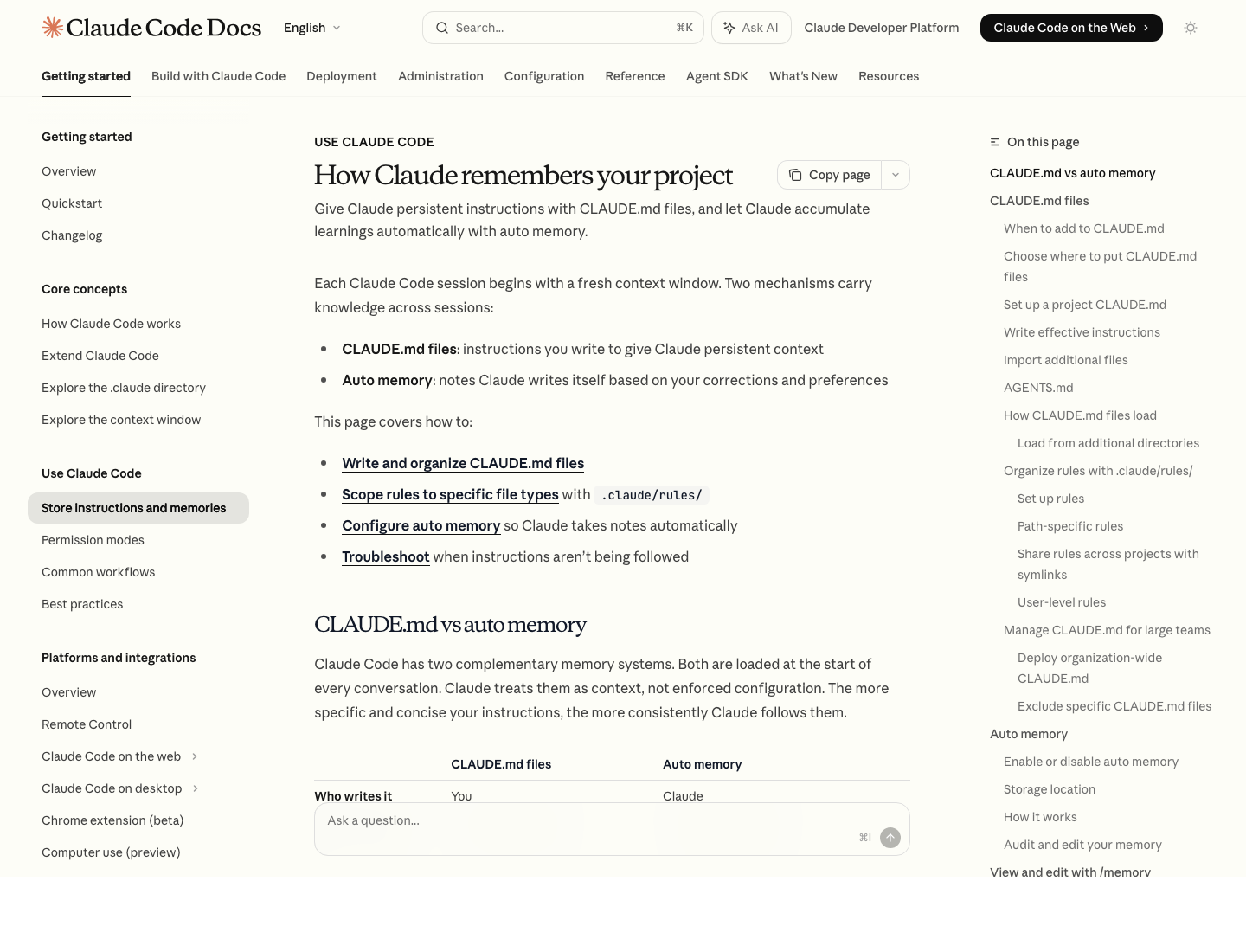
Source: How Claude remembers your project
What Should Go Into CLAUDE.md
Put stable instructions in CLAUDE.md, not in conversation.
Good candidates:
- build, test, lint, and dev commands
- architecture notes that matter every session
- repo-specific naming or style rules
- workflow preferences such as "always run tests before edits are finalized"
- warnings like "this service requires Redis locally"
Bad candidates:
- a one-off bug diagnosis
- temporary branch-specific notes
- long procedural playbooks better suited for a skill
- giant documentation dumps
Claude's memory docs now make this tradeoff very explicit: CLAUDE.md is for persistent instructions you write, while auto memory is for learnings Claude accumulates over time.
What Should Stay Out of CLAUDE.md
One common mistake is treating CLAUDE.md like a junk drawer.
If the file gets too large, you do not just waste context. You also reduce adherence. Anthropic's docs explicitly warn that shorter, more specific instructions work better.
A practical rule:
- facts and rules belong in
CLAUDE.md - long procedures belong in skills
- detailed references belong in imported files
- one-time coordination belongs in conversation
If you need more structure, use @path imports to split large memory into smaller files instead of dumping everything into one giant CLAUDE.md.
The Best Response to 5 Common Symptoms
1. "Claude forgot an instruction from earlier"
Best fix:
- if the rule is persistent, move it into
CLAUDE.md - if the task is still ongoing, run
/compactand tell it what to preserve
Important nuance from the docs: after /compact, project-root CLAUDE.md is re-read from disk, but conversation-only instructions are not magically restored. If you keep saying something in chat, it is more fragile than you think.
2. "Claude is reading too much irrelevant history"
Best fix:
- use
/compactwith explicit focus - or use
/clearif the old history is no longer useful
Bad fix:
- keep arguing with the same stale conversation for another 30 turns
3. "I keep repeating the same repo instructions every day"
Best fix:
- open
/memory - update
CLAUDE.md - let auto memory carry minor learned preferences
This is exactly the kind of repetition memory is for.
4. "The session is technically alive, but the quality is dropping"
Best fix:
- check
/context - compact before the session becomes incoherent
Claude Code also clears older tool outputs first and summarizes when needed as the context fills, but waiting until the system does it for you is usually worse than acting earlier yourself.
5. "I need the result of this session, but not the whole conversation"
Best fix:
- compact around the decisions that matter
- or export the conversation and start fresh
Preserve outcomes, not all the chatter that led to them.
A Simple Session Pattern That Works
If you do a lot of long debugging or refactoring sessions, this pattern is enough:
- Start with a narrow task.
- Keep project rules in
CLAUDE.md. - Use
@filereferences instead of pasting large blobs. - Check
/contextbefore the session gets ugly. - Run
/compactafter a milestone, not only after a failure. - Use
/clearwhen the next task is genuinely different.
That pattern prevents most "token limit" complaints before they turn into real session problems.
A Better Way to Think About Auto Memory
Auto memory is useful, but it is not a substitute for good project memory.
Anthropic's docs describe it as Claude saving its own notes about patterns, commands, debugging insights, and preferences. It is loaded at session start through the project's memory directory, with MEMORY.md acting as the concise index.
The right division of labor is:
CLAUDE.mdfor intentional rules- auto memory for learned habits and recurring discoveries
If a rule is important enough that breaking it would hurt your work, write it down yourself. Do not assume auto memory will capture it exactly the way you want.
Quick Checklist
- Is this still the same task, or should I use
/clear? - Is the session crowded enough to justify
/compact? - Did I tell
/compactexactly what to preserve? - Should this rule live in
CLAUDE.mdinstead of chat? - Am I storing stable instructions and not one-off noise?
- Did I check
/contextbefore quality dropped too far?